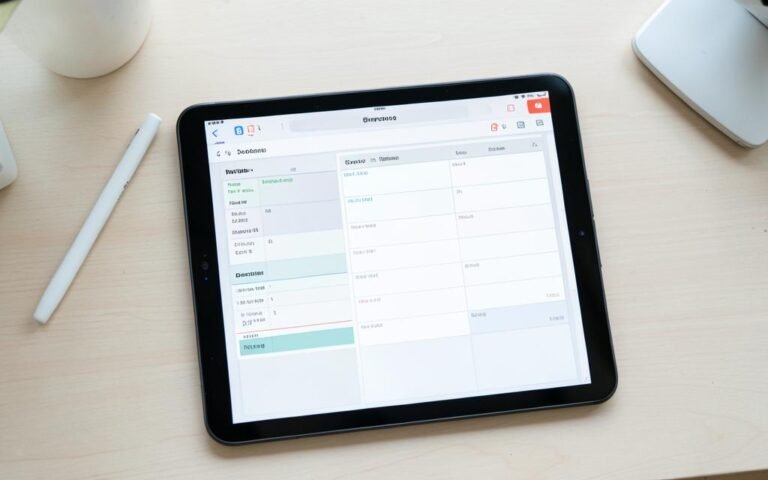
Supporting Digital Planner Buyers Without Losing Your Evenings

Support volume is a design signal
Every repeated question is a product defect in disguise. If twenty people ask how to import the file, the product is missing an import guide. Treating your inbox as a list of things to fix, rather than a list of things to answer, steadily reduces the work instead of normalising it.
The five questions you will always get
How do I open this on my tablet, why can't I write on it, how do I add stickers, can I print it, and how do I get the file again. Answer all five before purchase in the listing, at purchase in the thank-you note, and after purchase on page two of the file. Answering three times sounds excessive and is exactly right.
Write a real quick-start guide
One page, screenshots throughout, no jargon. Importing into the main apps, enabling scribble or pencil input, using the tab navigation, duplicating pages, adding stickers. Include it as a separate PDF and as the second page of the planner, so buyers cannot miss it wherever they start.
Build a public help page
A single page on your own site with the same content, plus a short video. Link it from the listing, the file and your emails. A public page is searchable, updatable without re-uploading products, and can be linked in one line when someone does write in.
Template your replies
Write six canned answers covering the common cases, each warm and specific, each ending with an invitation to come back if it did not help. Keep them in a notes app. A reply that takes ninety seconds instead of ten minutes is the difference between support being sustainable and being the reason you stop selling planners.
- Import instructions per app
- Stylus and writing setup
- Sticker workflow
- Printing guidance
- Re-download instructions
- Refund policy in plain words
Set expectations about apps
Be explicit in the listing about which apps the planner is designed for and which device types it suits. Most frustration comes from a buyer using an unsupported app and concluding the file is broken. A clear compatibility line prevents both the message and the review.
Handle re-download requests gracefully
People change devices and lose files. Make re-downloading easy and never charge for it. The goodwill from a two-minute act of service outlasts the inconvenience, and a buyer who felt looked after is the one who buys your next release without hesitation.
Review the inbox monthly
Once a month, count the questions by type. Fix the top one at its source — in the file, the listing or the help page — and watch that category disappear the following month. Six months of this discipline leaves you with a product that essentially supports itself.
Skip the blank page. Browse the shop for instant downloads.
Browse the shop