
Preparing SVG Cut Files That Work First Time in Cricut and Silhouette
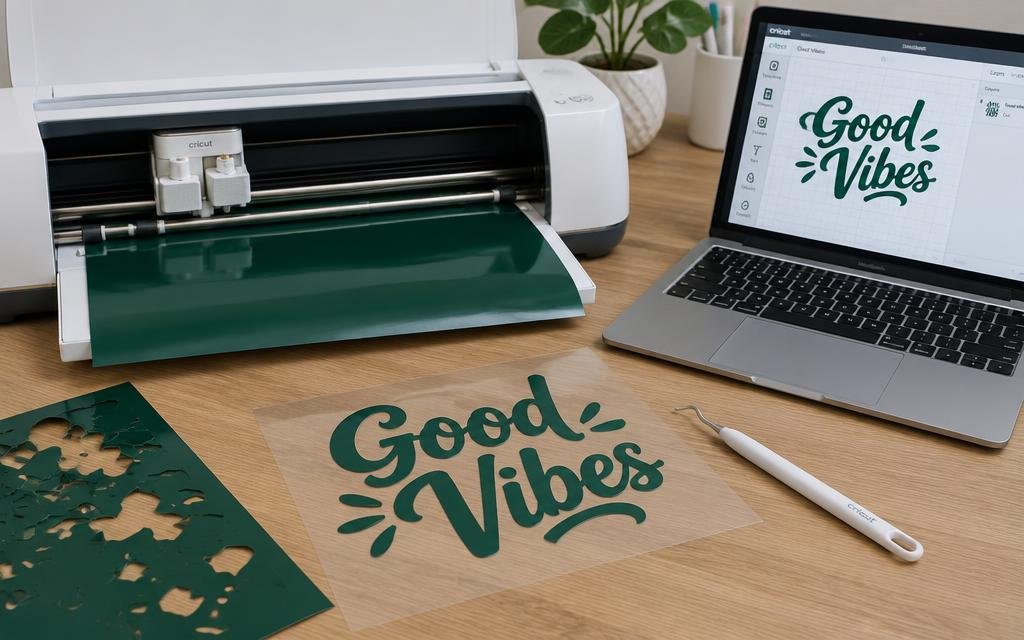
A cut file is engineering, not illustration
The buyer's machine will follow every path you leave in the file, including the ones you forgot. Stray nodes, unwelded overlaps, open paths and unnoticed duplicates all become cutting errors on someone else's expensive vinyl. Preparation discipline is the entire product quality in this niche.
Clean the paths
Convert all text to outlines, weld overlapping letters in script fonts, remove duplicate and stray nodes, close every open path, and delete hidden objects behind visible ones. Zoom in and inspect; problems that are invisible at normal magnification cut visibly.
Layer and group deliberately
Group each colour on its own layer, named by colour or material, in the order the buyer will assemble them. A file that opens as one flat mess forces the buyer to do your work. Correct grouping is the most commonly praised feature in cut file reviews.
Size sensibly and test small
Set the artwork to a practical default size and test cut at the smallest size a buyer might reasonably use. Fine details that cut beautifully at twelve inches tear at three. State a minimum recommended size in the listing if the design has delicate elements.
Deliver the right formats
SVG for Cricut and Silhouette Designer editions, DXF for the basic Silhouette edition, PNG with transparency for sublimation and printing, EPS and PDF for broad software compatibility. Missing DXF is a frequent complaint from Silhouette users on the free software.
- Text converted and welded
- No stray or duplicate nodes
- Layers grouped by colour
- Test cut at the smallest size
- SVG, DXF, PNG, EPS, PDF included
Actually cut it yourself
Run the file on a real machine before publishing. Nothing else finds the problem where two paths overlap by a fraction of a millimetre, or where the weld failed on one letter. One test cut prevents a dozen support messages and protects your review average.
Include assembly guidance
A single image showing the finished project, the layer order and any mirroring needed for heat transfer vinyl. Buyers new to layered designs frequently apply layers in the wrong order and blame the file. A picture solves it permanently.
State the licence clearly
Cut file buyers frequently want to sell finished physical items. Say explicitly whether that is permitted, in what quantity, and what is prohibited such as reselling the file itself. Clarity here prevents both lost sales and misuse.
Skip the blank page. Browse the shop for instant downloads.
Browse the shop
