Canva Template Licensing: What You Can Legally Sell in 2026
The rule that catches most new sellers
Canva allows you to sell designs you create, but it does not allow you to sell the Canva assets themselves. That distinction decides everything. A finished, flattened design you made using stock elements is generally fine. An editable template that hands the buyer an unmodified stock photo, illustration or font as a reusable asset is a different matter, and it is where shops get suspended. Read the current terms before every product launch, because these terms have changed more than once and are likely to change again.
Editable templates and the share link
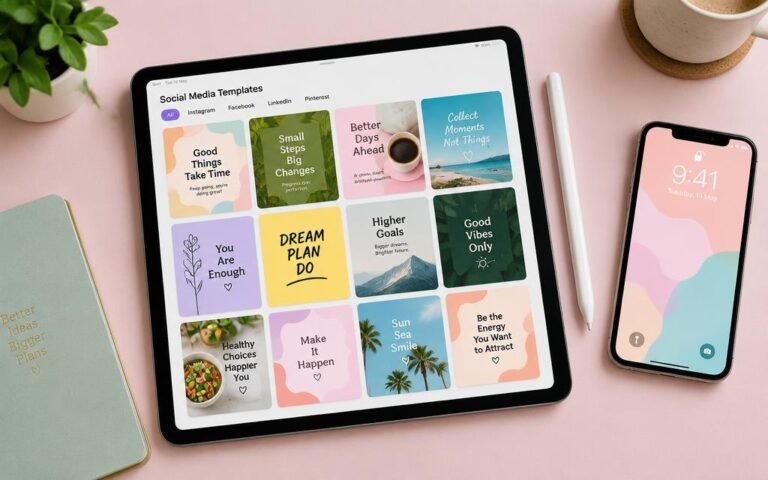
Selling an editable template means giving the buyer a 'use as template' share link, not a downloaded file. Buyers must be able to open it in their own Canva account. Free-account buyers cannot use Pro-only elements, so if your template is built on Pro assets, say so plainly in the listing. Half the support messages template sellers receive come from buyers who did not know they needed Pro.
Design so the assets are yours
The safest editable template is one where the visual identity comes from your own work: your layouts, your colour systems, your typography choices, your original shapes and illustrations. Use Canva's stock library for placeholders the buyer will swap out, and say in the instructions that placeholder images should be replaced. That approach survives terms changes because your product's value is your design thinking, not somebody else's photograph.
Fonts still need checking
Canva's font library is licensed for use inside Canva. If you export a design and sell it as a flat PDF or PNG, most uses are covered; if you rebuild the same design elsewhere using a font you found on Canva, check that font's own licence. Keep a record of the fonts each product uses so you can answer a question in minutes rather than hours.
What to include with an editable product
A template product is not just a link. Ship a PDF containing the access link, step-by-step instructions for opening and duplicating the template, a note on which elements can be edited, a list of fonts used, a troubleshooting section and your licence terms. This single document turns a fragile product into a professional one and dramatically reduces refunds.
- Template access link
- Step-by-step opening instructions
- Font and colour reference
- Free vs Pro requirements stated
- Licence summary
- How to get help
Writing your own licence on top
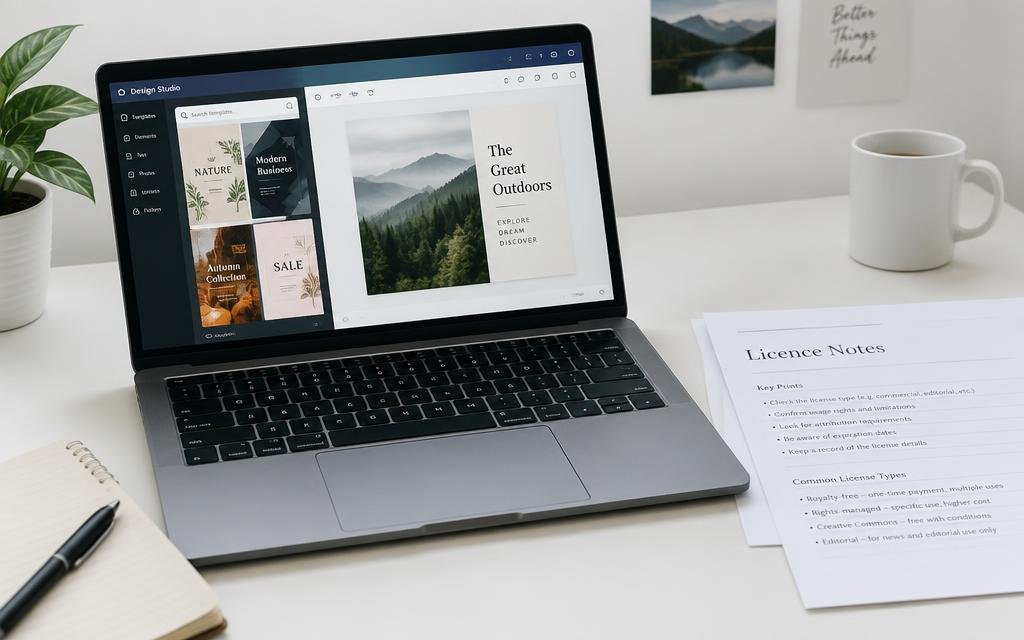
Your licence to the buyer can be more restrictive than Canva's but never more permissive. Standard terms: the buyer may edit and use the design for their own business, and may not resell, redistribute or share the template link. State it in the listing, the PDF and the template's first page. Clear terms are what stop a single template from ending up in a dozen shops.
Version control matters
Because buyers access a live link, any edit you make propagates. Keep a master copy you never touch and publish from duplicates, so an experiment cannot break a product that hundreds of people are using. Date your versions and keep a short changelog; when a buyer reports a problem you will know exactly what changed and when.
When to move off Canva
Canva is excellent for speed and for buyers who want easy editing. It is limiting for print-precision work, complex typography and products where you need total asset ownership. Many mature sellers keep Canva for social and marketing templates and move planner, art and print products to tools where every asset is theirs. You do not need to choose once and forever.
Skip the blank page. Browse the shop for instant downloads.
Browse the shop